Utility App icon-primary
Pod Utility

Configure and Manage Your ASTROS Pods

ASTROS POD Utility is a convenient and efficient Windows-based application designed by ASTROGATE to simplify the setup, configuration, and management of your ASTROS Pods. It provides easy-to-use features that enhance the user experience.

Faster deployment. Fewer errors. No complicated configuration.

Flexible Network Setup

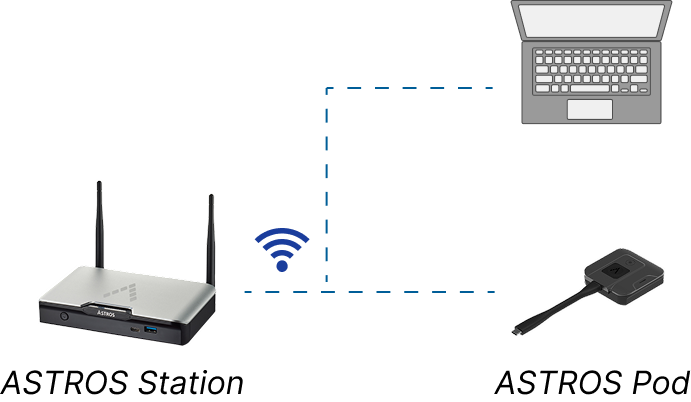
Supports station AP and external wireless APs within the same LAN.

Firmware Management

Check versions and update firmware via OTA or manual upload—all in one place.

Easy Pod Pairing

Pair ASTROS Pods to ASTROS Stations in just a few clicks—no manual setup needed.

Clear Device Information

View Pod details and status instantly for quick verification.

How It Works

icon-1

Install

Download and install ASTROS POD Utility on a Windows PC.
icon-2

Connect

Connect the ASTROS Pod to your PC. The Pod LED will blink green during setup.
icon-3

Configure

Select your pairing method and network settings.
4 (1)

Pair

Click “Pair” and let the system do the rest.

Pairing Methods

Choose the best way to connect your ASTROS Pod.

Key Features

Key Features

Auto Detect Pairing

Best for environments using the station’s built-in AP.
Automatically detect and pair Pods with ASTROS Stations on the same network — ideal for quick and standard deployments.
Group 7938

Manual Pairing

Supports WPA2-secured networks for enterprise environments.
Manually pair Pods by entering station IP and selecting a wireless access point, including third-party APs within the same LAN.
Group 7940